CRM Systems for DMM Practices: Work Smarter
As a Daily Money Manager (DMM), your primary focus includes helping clients maintain financial independence, manage daily obligations, and navigate complex personal finances with confidence. It is rewarding work, but running a growing practice comes with a hidden burden: administration.
When your week is consumed by manual onboarding, chasing missing information, re-keying data across applications, and drafting routine updates, your billable time takes a hit.
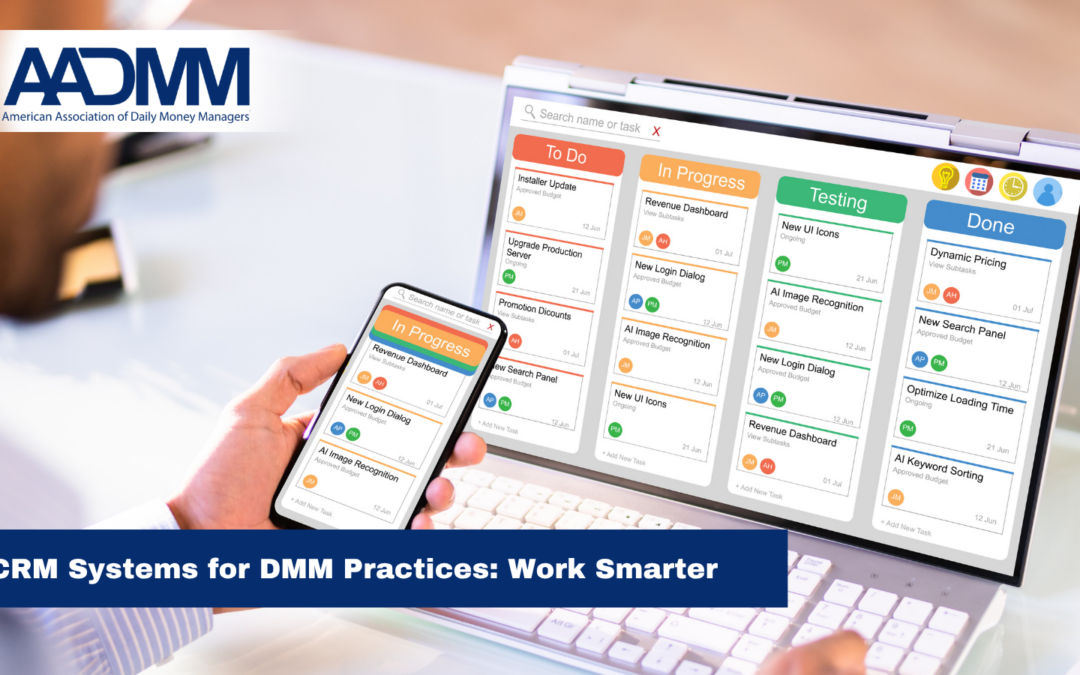
Customer Relationship Management (CRM) systems for DMM practices can reduce that administrative burden by connecting the processes, people, and technology behind your business. The goal isn’t to add technology for technology’s sake. It is to create systems that support the way you actually work.
CRM service provider Analytic Insights helps Daily Money Managers streamline operations, integrate financial software, and reclaim their schedules. The same approach can also benefit related professional practices, including bookkeeping firms, attorney offices, fiduciary practices, and other small businesses.
1. Start with process planning, not software
Before selecting software, map your core business processes.
Every DMM practice operates differently. Your client intake, billing, documentation, communication, and team responsibilities may differ from another practice. Technology implemented without understanding those differences can simply digitize an inefficient process.
Process planning helps identify:
- Where information enters your business
- Who needs access to it
- Which tasks are repetitive
- Where information gets entered more than once
- Which tasks can be automated
- Where work consistently slows down
Once your workflows are clear, you can select technology based on what your practice actually needs.
That same approach works for a bookkeeping firm, attorney office, or small business. The industries may differ, but the challenge is often the same: too much manual work and too many disconnected systems.
2. Build CRM systems around your practice
Generic CRM tools rarely work perfectly for specialized professional practices right out of the box.
DMM workflows can involve clients, family members, trusted advisors, recurring services, sensitive information, and ongoing communication. A CRM configured around your processes can become the command center of your practice.
It can provide:
- Centralized client profiles: Keep contact information, trusted advisors, authorized contacts, and notes organized.
- Standardized onboarding: Guide prospective clients from initial inquiry through agreement signing without missing a step.
- Team-wide visibility: Give authorized team members the information they need to provide seamless coverage.
- Consistent follow-up: Automate reminders for recurring tasks and client communications.
Bookkeepers can use similar systems for client onboarding and monthly workflows. Attorney offices can organize intake and follow-up. Small businesses can connect leads, customers, projects, and internal tasks.
3. Connect your CRM to financial systems
Double entry is one of the biggest sources of administrative friction. Entering information into a CRM and then manually re-entering it into an accounting system takes time and creates opportunities for errors.
Connecting your CRM with financial platforms such as QuickBooks can create a more efficient flow of information.
Depending on your systems, integrations can help with:
- Reducing repetitive data entry
- Connecting client and billing information
- Supporting recurring invoicing
- Tracking billing status
- Improving financial reporting and visibility
The objective isn’t necessarily to replace the tools you already use. Often, the better solution is making those tools work together.
4. Use practical AI to reduce administrative work
AI doesn’t have to mean a complicated technology overhaul. Think of it as an assistant for appropriate, repetitive tasks.
AI tools can help draft routine client communications, turn rough call notes into organized summaries, create initial task lists, and help structure information.
For professionals working with sensitive financial or legal information, privacy, security, permissions, and human review are essential considerations.
Used thoughtfully, AI can reduce administrative work while leaving professional judgment and client relationships where they belong—with you.
5. Gain visibility into your business
Connected technology can also show you how your practice is performing.
Dashboards and reports can help you understand:
- Capacity: How much time is your team spending on each client?
- Profitability: Which clients or services generate revenue, and which consume unexpected time?
- Growth: Where are new clients coming from, and are clients staying?
- Bottlenecks: Where does work repeatedly slow down?
For a solo practitioner, this can answer, “Where is my time going?” For a growing firm, it can help answer, “What needs to change before we add more clients?”
Build systems that support the human side of your work
Technology should not make a relationship-based practice feel automated. It should automate the administrative work around the relationship so you have more time for the relationship itself.
At Analytic Insights, we start with your processes, identify opportunities for improvement, evaluate technology that fits your needs, configure CRM workflows, and connect financial platforms.
Whether you are a DMM, bookkeeper, attorney, or small-business owner in another field, the principle is the same: your technology should empower your work, not slow it down.
Riley Archibald is the founder of Analytic Insights. Ready to spend less time on backend administration and more time serving your clients? Contact Analytic Insights today.